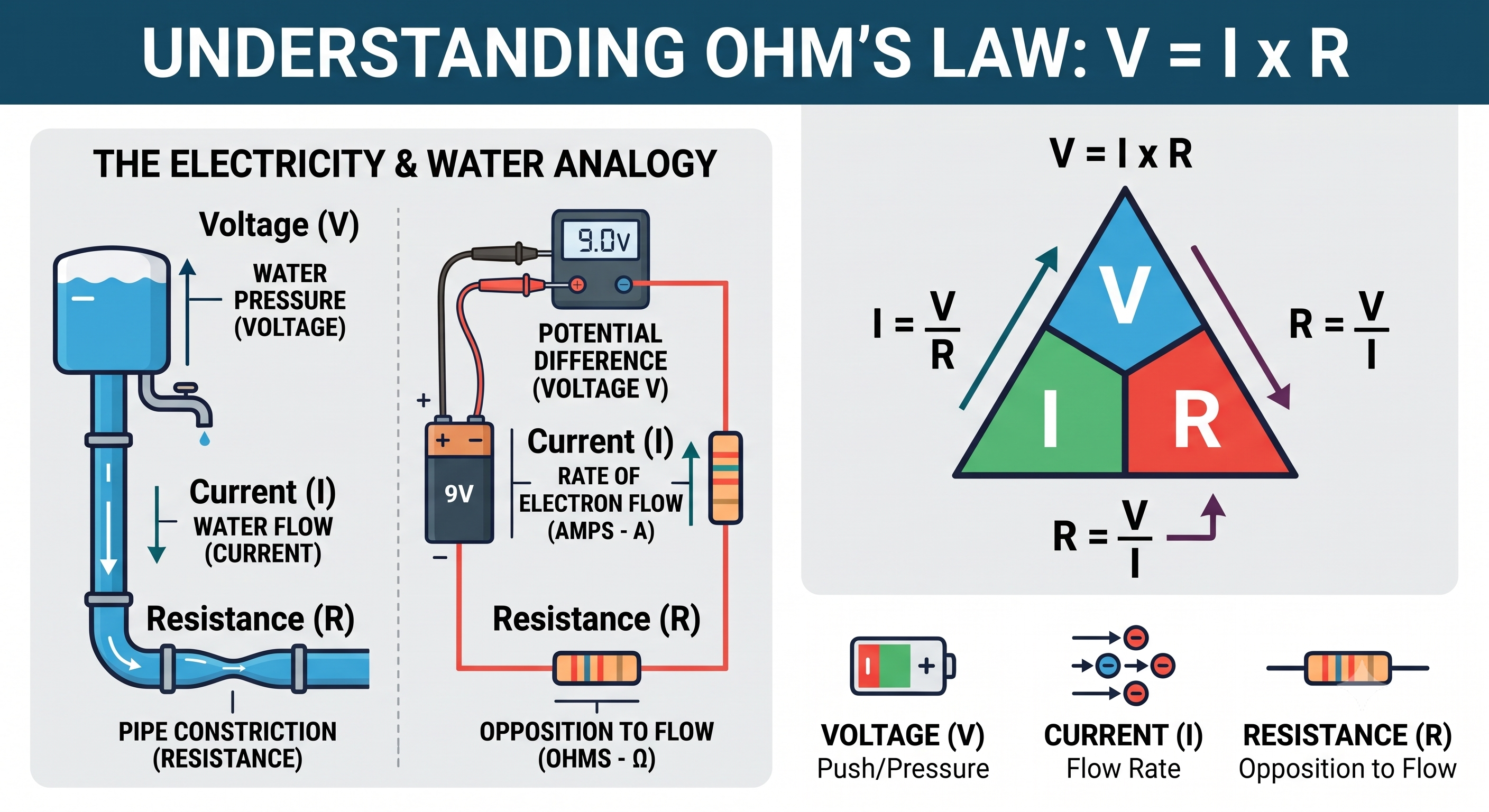
If you’ve tutored physics online, you’ve probably run into the same wall eventually: your whiteboard tool is great for writing equations and sketching free-body diagrams, but the moment you need to show why a pendulum swings the way it does, or how current redistributes in a circuit, you’re reduced to hand-waving — literally.
This isn’t a tooling nitpick. It’s a structural limitation of drawing-based whiteboards, and it’s worth understanding clearly before picking a platform to teach science on.
What online whiteboards are actually good at
Most collaborative whiteboard tools, at their core, solve the same problem: give two or more people a shared, infinite drawing surface, synced in real time. That’s a genuinely useful and hard problem, and modern whiteboards solve it well. For a huge share of teaching content, that’s exactly enough:
- Freehand sketching and annotation — drawing diagrams, marking up a shared image, sketching a graph by hand.
- Text and shapes — labeling diagrams, boxing important results, organizing a lesson spatially rather than linearly like a slide deck.
- Real-time collaboration — both tutor and student seeing and editing the same canvas simultaneously, which matters enormously for engagement compared to a one-way screen share.
For math tutoring especially, this is often sufficient. An equation, once written, doesn’t change — a whiteboard with good LaTeX rendering can represent a derivative, an integral, or a matrix perfectly well as a static object.
Where the same tools start to struggle
Physics — and to a lesser extent, other experimental sciences — is different in a specific way: a large fraction of what you’re teaching is fundamentally about change over time. A free-body diagram is static and a whiteboard handles it beautifully. But the actual motion that diagram is meant to predict — a block sliding down a ramp, a mass oscillating on a spring, a planet orbiting a star — is not static, and no amount of careful drawing can substitute for watching it actually happen.
Tutors typically compensate for this gap in one of a few ways, none of which are quite satisfying:
- Verbal description — explaining what “would” happen, relying entirely on the student’s ability to imagine it correctly.
- Pre-made videos or GIFs — better than nothing, but fixed: you can’t change the mass, the angle, or the spring constant and see the outcome update.
- External simulation tools — switching away from the whiteboard into a separate app, which breaks the shared context and often the collaborative flow entirely.
Each of these works, in the sense that a determined tutor can teach effectively around the limitation. But each one also adds friction exactly at the moment a student’s intuition is most fragile — right when a new dynamic concept is being introduced for the first time.
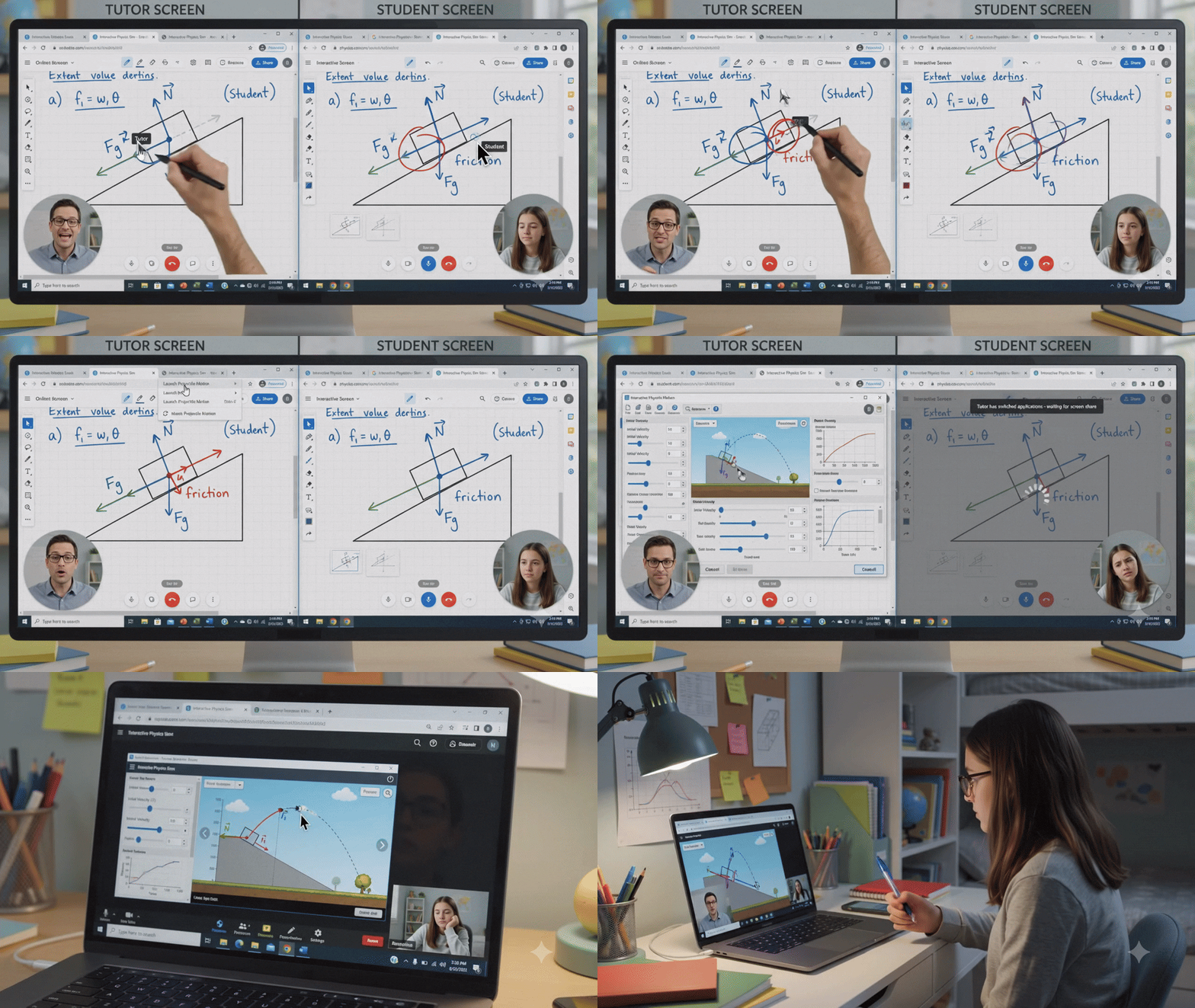
What “good enough” actually looks like for STEM teaching
Based on the gap above, a whiteboard genuinely built for teaching science needs a short list of things that a general-purpose drawing tool typically doesn’t prioritize:
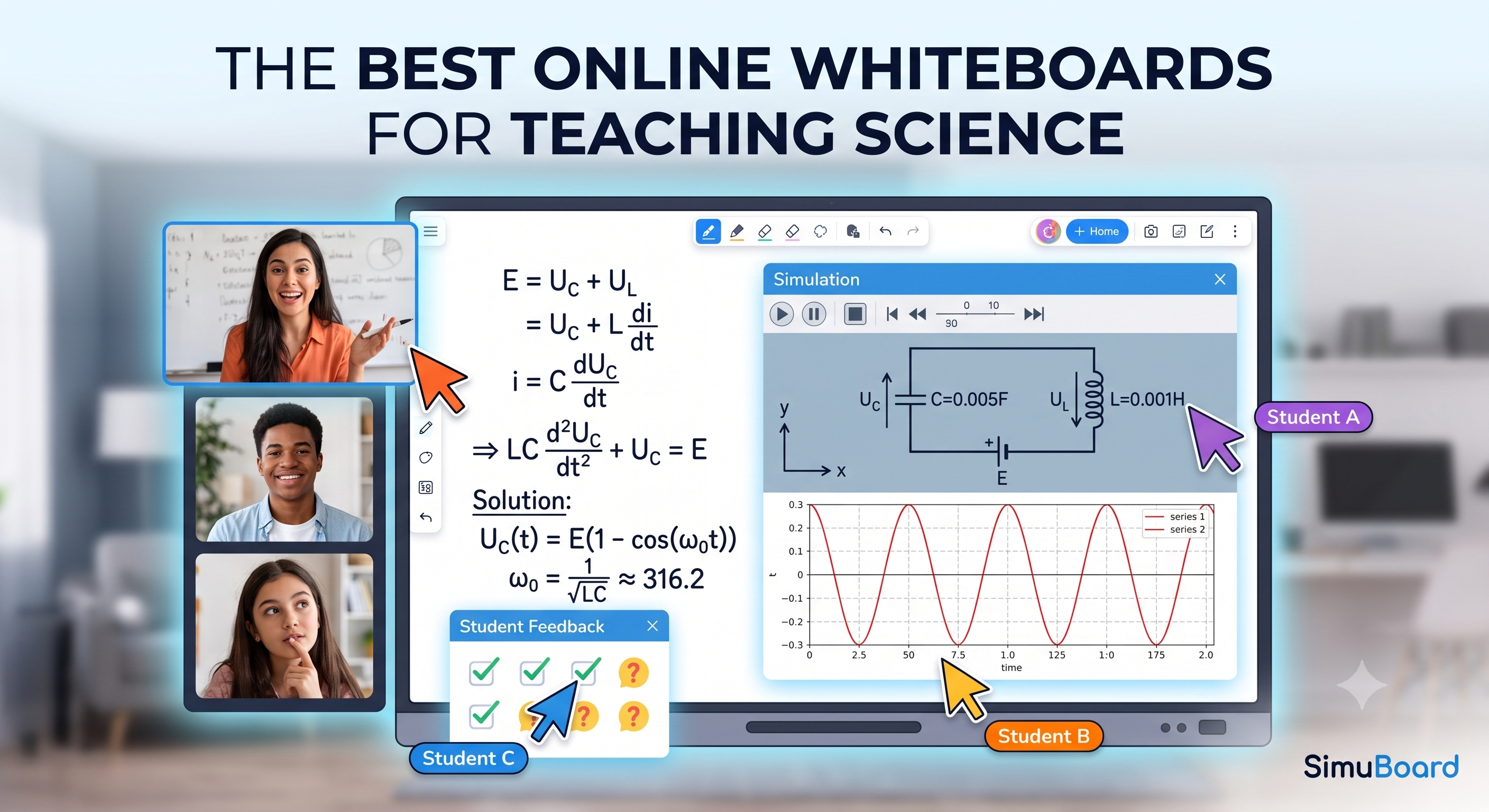
- Native equation rendering — LaTeX support that looks like a real equation, not an image pasted in.
- Function and data plotting — graphing a relationship directly on the canvas, next to the diagram it corresponds to.
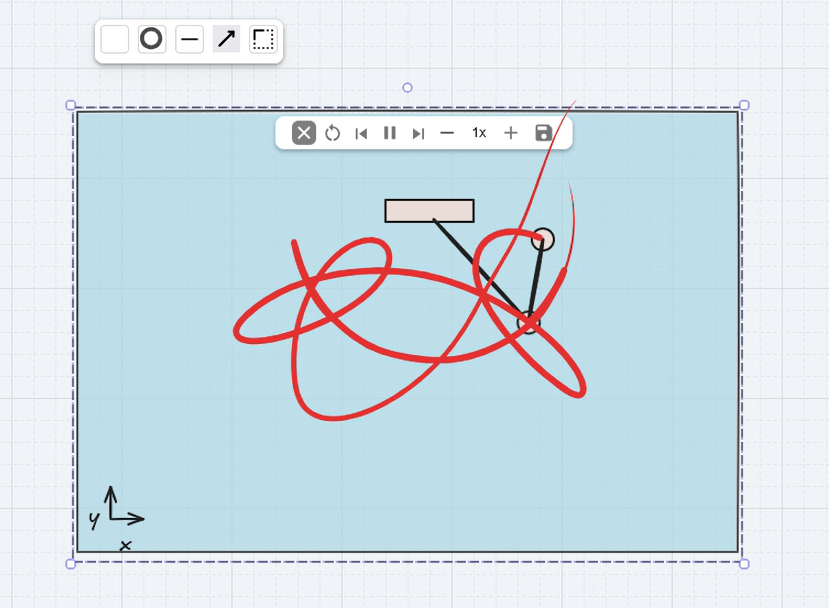
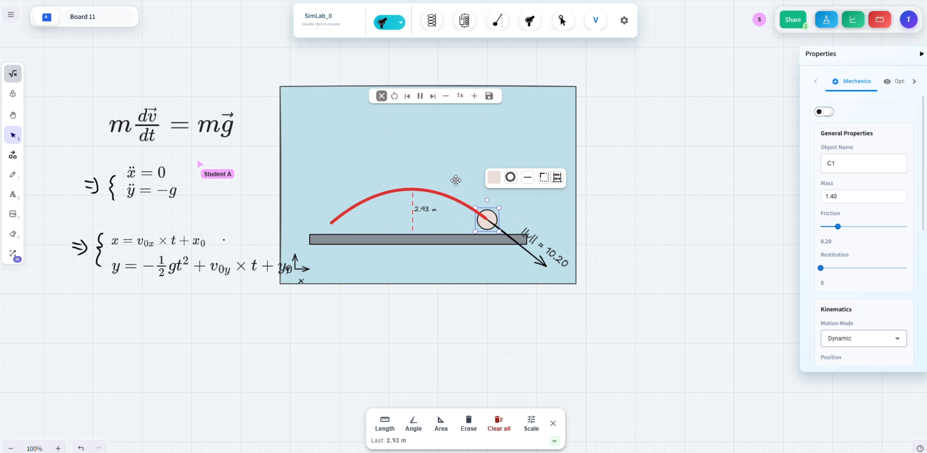
- Live simulation, not just illustration — the ability to place an actual spring, pendulum, circuit, or projectile on the canvas and have its behavior computed and animated in real time, with parameters a tutor or student can change on the spot.
- All of it in the same shared, collaborative space — no context-switching between a drawing app and a separate simulation tool.
That fourth point turns out to matter more than it sounds. The moment a tutor has to say “let’s switch over to this other tool to see the simulation,” a chunk of the lesson’s momentum is lost, and the whiteboard stops being the single source of truth for the session.
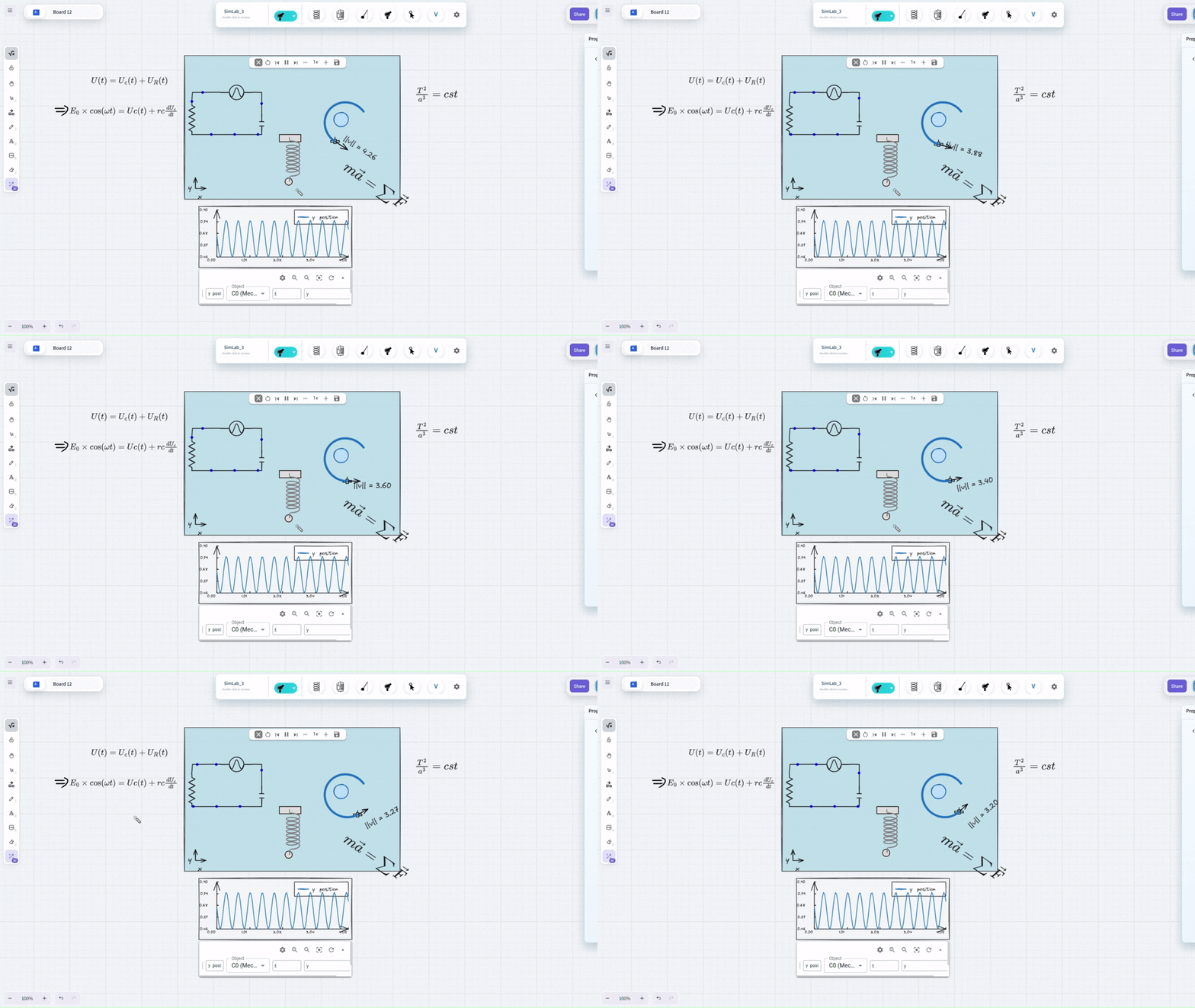
This is exactly the gap SimuBoard was built to close. It’s an infinite collaborative whiteboard — sketching, equations, and diagrams work exactly as you’d expect — but it also has real simulation engines built directly into the canvas: mechanical (rigid bodies, springs, pendulums, projectiles, orbital motion), electrical (circuits solved numerically in real time), and optical (ray tracing with reflection and refraction). You draw a spring, and it actually oscillates; you draw a circuit, and current actually flows. No separate app, no context switch.
A practical way to evaluate any whiteboard for science teaching
Rather than comparing tools feature-by-feature, it’s usually faster to ask one question about whatever platform you’re considering: if I draw the thing I’m teaching, does it actually behave like the thing I’m teaching — or do I still have to explain the behavior myself?
A diagram of a spring is not the same as a spring that oscillates when you let go of it. A drawn circuit is not the same as a circuit that you can actually measure current in. That distinction — between illustration and simulation — is the real dividing line between whiteboards that are “good enough” for general teaching and ones purpose-built for teaching science.
For tutors working through material where dynamics matter — mechanics, electricity, optics, orbital motion — that distinction is worth prioritizing over almost anything else on a feature comparison list.